How to Apply LUTs in Premiere Pro: Step-by-Step Guide for Beginners
Learn how to apply LUTs in Premiere Pro step by step — from importing your .cube file to adjusting intensity and avoiding the most common grading mistakes.

Learn how to apply LUTs in Premiere Pro step by step — from importing your .cube file to adjusting intensity and avoiding the most common grading mistakes.
White balance is the foundation of every good grade. Here’s how to nail it in DaVinci Resolve — using scopes, the Qualifier, Camera Raw controls, and a clean node structure that keeps your workflow fast and flexible.


Learn the qualifier tricks professional colorists use in DaVinci Resolve — from matte finesse controls to combining qualifiers with Power Windows and tracking for clean, cinematic secondary grades.
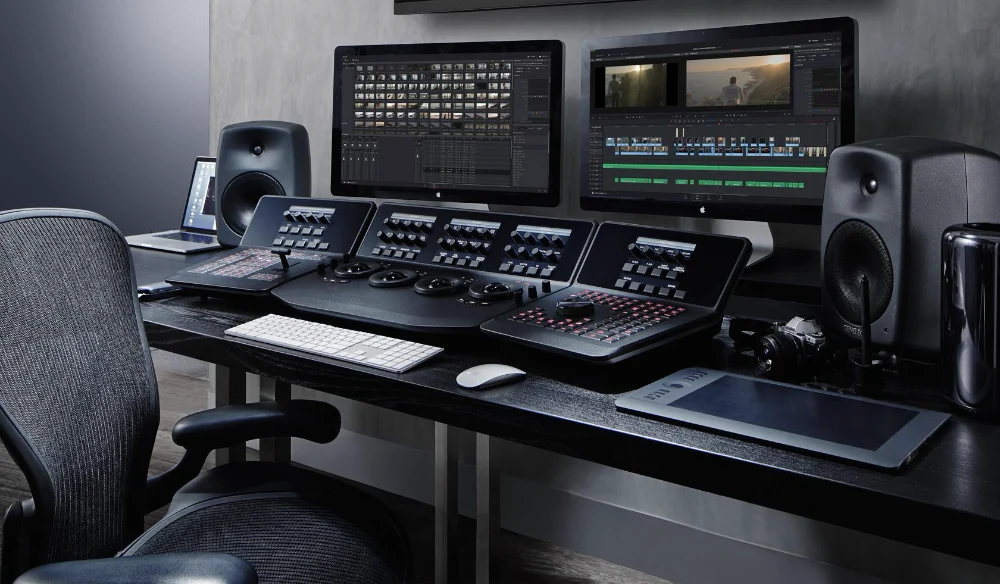

New to color grading? This glossary explains what a LUT is, what .cube files do, and how terms like S-Log3, Rec. 709, and nodes all connect — in plain language.
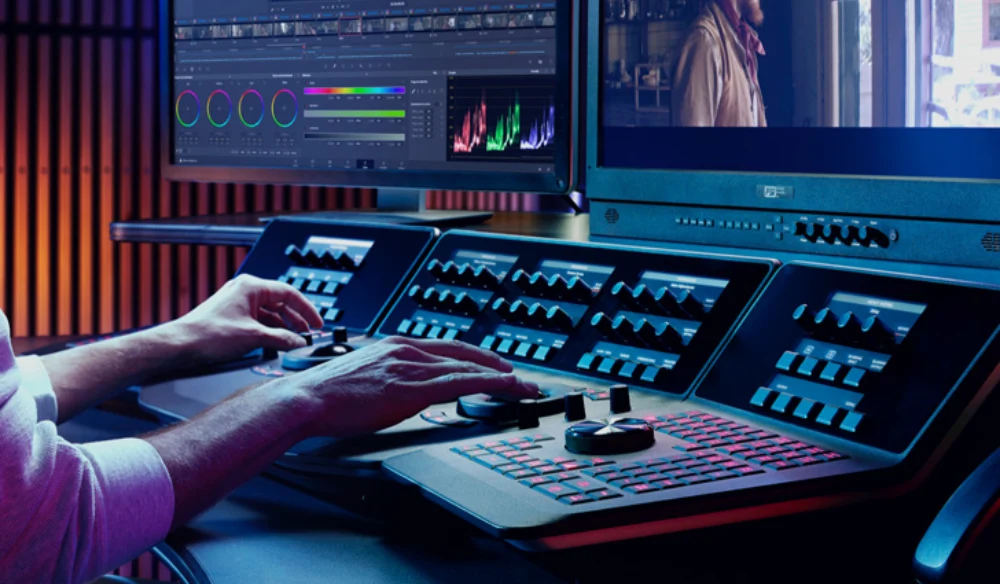
Learn how to apply LUTs in DaVinci Resolve with this step-by-step beginner guide — from importing .cube files to building the right node structure.

How to Apply LUTs in Final Cut Pro Using LUTs (Look-Up Tables) in Final Cut

Film Emulation: How to Create a Realistic Film look In the ever-evolving world of videography,

Powergrades vs LUTs: Mastering Color Grading Techniques In the world of professional video and photo

Understanding Color Grading vs Color Correction In the realm of video production, two crucial processes