
Nebula footage 1
5.0/5 · 6 reviews


Sony
ZV-E1 LUTs
Nebula Conversion LUTs · Sony | S-log3 / HLG3
Original price was: € 50,00.€ 24,95Current price is: € 24,95.Save 50%
- Cinematic color grades in seconds
- Professional color, zero complexity
- Compatible with software that supports .CUBE LUTs
Description
The Sony ZV-E1 is a camera created for creators who require top-notch quality for vlogging, streaming, and video production. LUTs are essential in improving the color grading of your videos to make them unique.
Product Info
Total LUTs
Creative LUTs: 10
Monitor LUTs: included
Total size
Download: 125,5 MB
Specs
Precision: 65-point .CUBE (high-quality)
Apps: DaVinci Resolve, Premiere Pro, Final Cut Pro, After Effects
Extra’s
PDF: Installation Guide
License Rights
Commercial Use Included
All our LUTs include a free commercial license with your purchase. You can use them in films, commercials, YouTube videos, social media, and more, without worrying about royalties or copyright issues.
Buy Once, Use Forever
Your license never expires. Once purchased, you can use the LUTs in unlimited projects. For full details, please refer to the Cine Source Digital Video Product License Agreement (PDF), which is included with your download.
The Sony ZV-E1 is a camera created for creators who require top-notch quality for vlogging, streaming, and video production. LUTs are essential in improving the color grading of your videos to make them unique.
Our LUTs can help you achieve reliable, high-quality color corrections that will enhance your artistic vision. Our LUTs can accelerate the post-production process and create a polished, visually appealing outcome for any project, whether it be a movie, commercial, or music video.
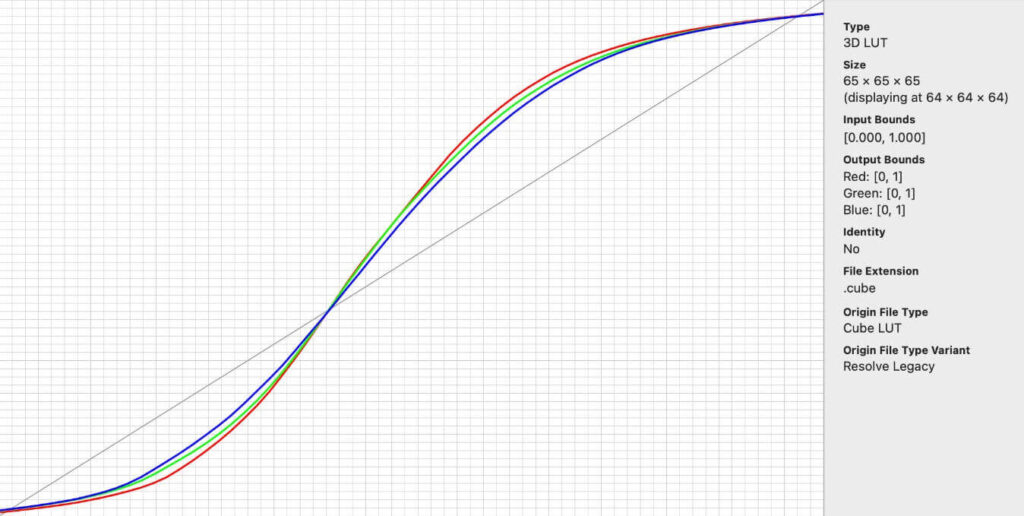
Quality of Our Sony ZV-E1 LUTs
Our Sony ZV-E1 LUTs are meticulously created to enhance the quality and complexity of your footage, regardless of its source. They emphasize color science and dynamic range in order to improve the quality of your video projects.
Our LUTs utilize advanced color correction techniques to ensure bright visuals and lifelike colors in any lighting conditions.
They are created to be user-friendly and flexible, suiting filmmakers of all levels, simplifying color grading for visually impressive content.


Sony ZV-E1 LUTs
Transform Your Footage, Boost Your Impact.
Neutral


Inclusive!
Monitor LUTs
With this purchase, you will also get monitor versions of the LUTs as an extra benefit. These are sized to be optimized for use in any camera or external monitor.
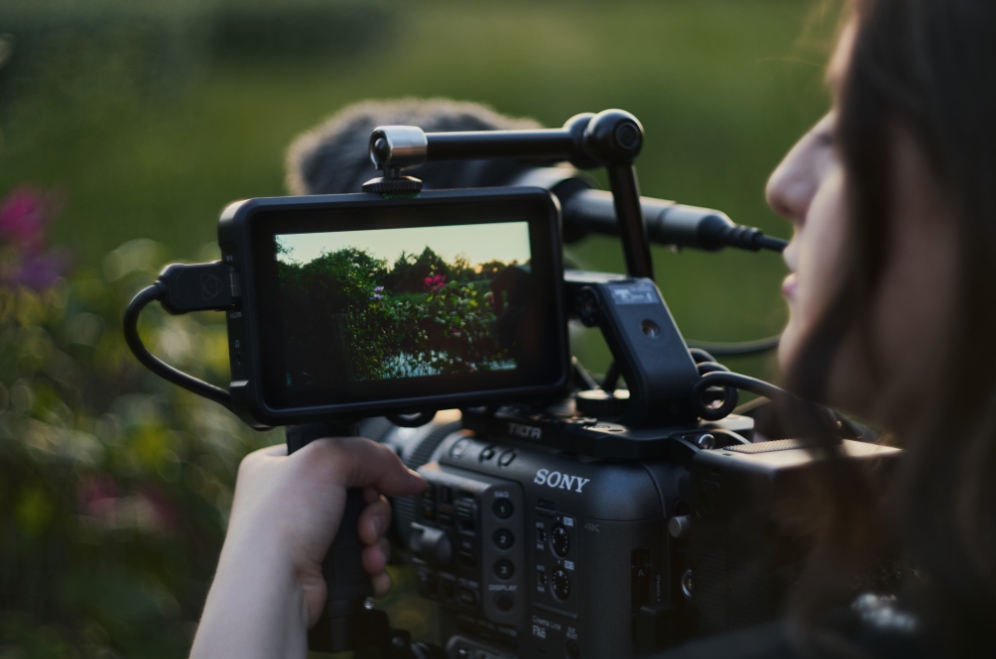
Sony ZV-E1 LUTs Overview
Nebula footage 2
Nebula footage 3
Nebula footage 4
Built for professionals.
Engineered for flawless results.
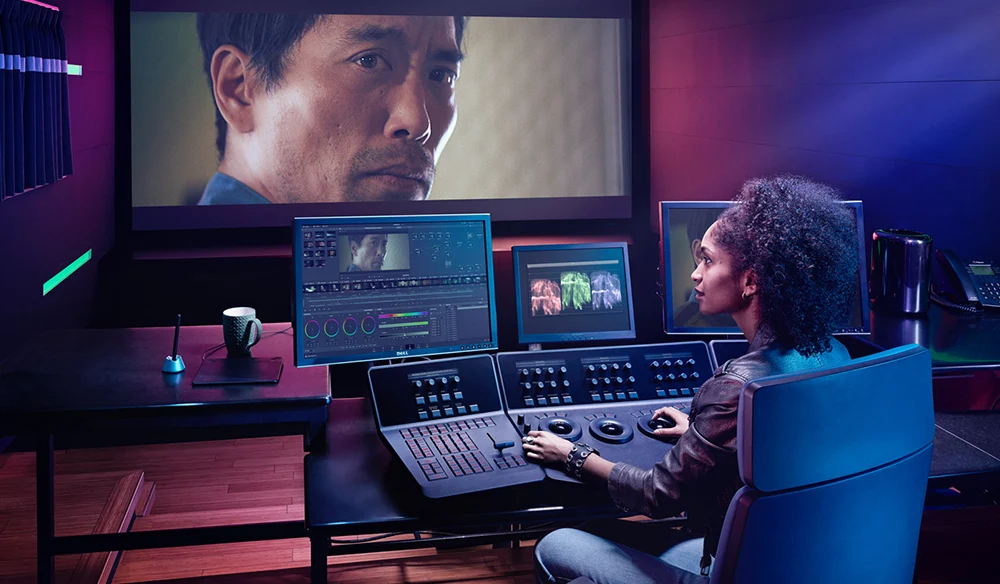
We work with real colorists to refine every node, curve and contrast shift, so your footage doesn’t just look graded. It looks cinematic.
1
Nebula Neutral
Nebula Neutral is the versatile emperor of the color world. This LUT keeps everything balanced without favoring cold or warm tones, making it a perfect choice for a wide range of projects.

2
Nebula Cold
Nebula Cold transports you to icy, serene landscapes. This LUT imparts a cool tone to your footage, creating a sense of calm and distance. Creates a feeling of clarity and purity.

3
Nebula Warm
Nebula Warm wraps you in a blanket of warmth and coziness. This LUT radiates with its golden glow, creating an inviting and warm atmosphere. Warm color tone with rich, golden hues.

4
Nebula Vision
Nebula Vision is the futuristic pioneer of the visual world. This LUT gives your footage a unique and progressive look, as if peering into the future. Blends cool and warm tones for a dynamic effect.

5
Nebula XTR
Nebula XTR is the intensive powerhouse that pushes your footage to the limit. This LUT gives a dramatic boost to colors and contrasts, making every scene pop. Creates a bold and powerful look.

6
Nebula Eternal
Nebula Eternal brings timeless elegance to your footage. This LUT ensures a classic look, giving every scene a touch of eternity. Maintains a classic and elegant appearance.

7
Nebula Split
Nebula Split offers the perfect balance between natural look and artistic enhancement. It’s designed for those who seek to add a touch of elegance to their videos.

8
Nebula 5213
Nebula 5213 is the nostalgic filmmaker who brings a vintage film look to modern footage. This LUT mimics classic film colors for an authentic, old-school feel.

9
Nebula 2383
Nebula 2383 is the modern successor of classic film emulsions. This LUT offers a refined film look that gives your footage a professional and cinematic character.

10
Teal & Orange
Teal & Orange ensures that typical Hollywood look. This LUT uses complementary colors to give your footage a dramatic and stylish twist. Ideal for action, adventure.
CUSTOMER REVIEWS
What filmmakers say.
The roll-off in highlights feels almost like Alexa footage. That surprised me.
Finally LUTs that respect dynamic range. My Blackmagic footage looks premium.
Zero weird color shifts. Just balanced contrast and depth. This is pro-level.
The highlight compression is insane. No harsh clipping anymore. Just smooth rolloff.
The Nebula LUTs instantly gave my footage that moody cinematic depth. Skin tones stay clean, highlights roll off beautifully.
I purchased these LUTs for my Sony FX3 and my Blackmagic Pocket 6k Pro and I am super happy with the results! It’s really easy to match the images and the creative LUTs give you a super quick and filmic look as a base. Definitely recommend them to others.
Frequently Asked Questions
Check out our FAQ section for useful tips and answers. Find the information you need, whether it’s compatibility details, customization options, or guidance on various projects.
1. Are the ZV-E1 LUTs compatible with my editing software?
Absolutely! Our Nebula Conversion LUTs are compatible with various editing software and any other programs that support LUTs.
Whether you’re a professional editor or a beginner, you can seamlessly integrate RealFilm into your workflow and enhance your footage with cinematic brilliance. Supported software includes DaVinci Resolve, Adobe Premiere Pro, Final Cut Pro, Avid Media Composer, and Sony Vegas Pro.
Additionally, Nebula Conversion LUTs can be used with any other software that supports LUTs, providing flexibility across a wide range of editing platforms.
2. How do I install LUTs on my Sony ZV-E1?
Download your LUTs, format your SD card, create a ‘LUT’ folder, transfer the LUTs into this folder, insert the card into your ZV-E1, and select the LUTs from the camera menu.
3. How do Sony ZV-E1 LUTs improve video quality?
These LUTs improve video quality with cutting-edge color science and dynamic range, resulting in vibrant visuals and realistic colors under any lighting, simplifying the creation of visually striking content.
4. How does Nebula LUTs compare to other film emulation tools on the market?
Nebula LUTs are meticulously designed to provide a perfect starting point for your color grading. With advanced algorithms, these conversion LUTs ensure accurate color representation and enhanced visual quality. Even when working with 8-bit footage, Nebula LUTs deliver a consistent and reliable base, allowing you to achieve cinematic brilliance with ease. Our LUTs help you maintain the integrity of your footage while offering exceptional results, making your post-production process smoother and more efficient.
5. Are Nebula Conversion LUTs also for high-end, large-scale film and video productions?
Certainly! Nebula Luts is crafted to meet the demands of professional filmmakers and large-scale productions. Its robust capabilities ensure optimal performance even in high-resolution projects. Renowned for its ability to enhance cinematic aesthetics without compromising on quality, Nebula LUTs has become a trusted choice for those working on major film and video productions. Elevate your visuals and experience the power of RealFilm in every frame, regardless of the scale of your project.
Have additional questions? Feel free to get in touch.